Posted on
Updated on
September 23, 2026
The registration closure transaction is new to Insight 4.0 and is the only way to close an active registration.
STEPS
-
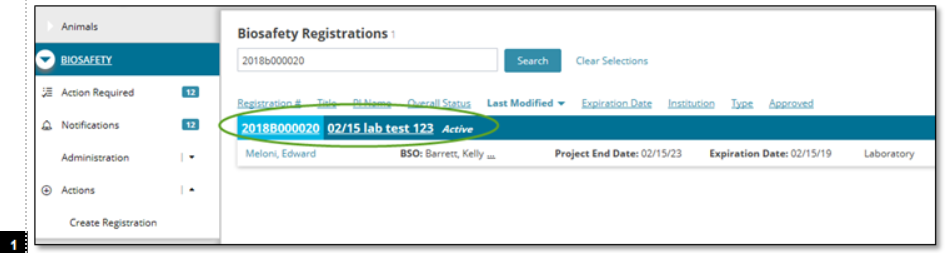
From the Biosafety module, click on an active registration
-
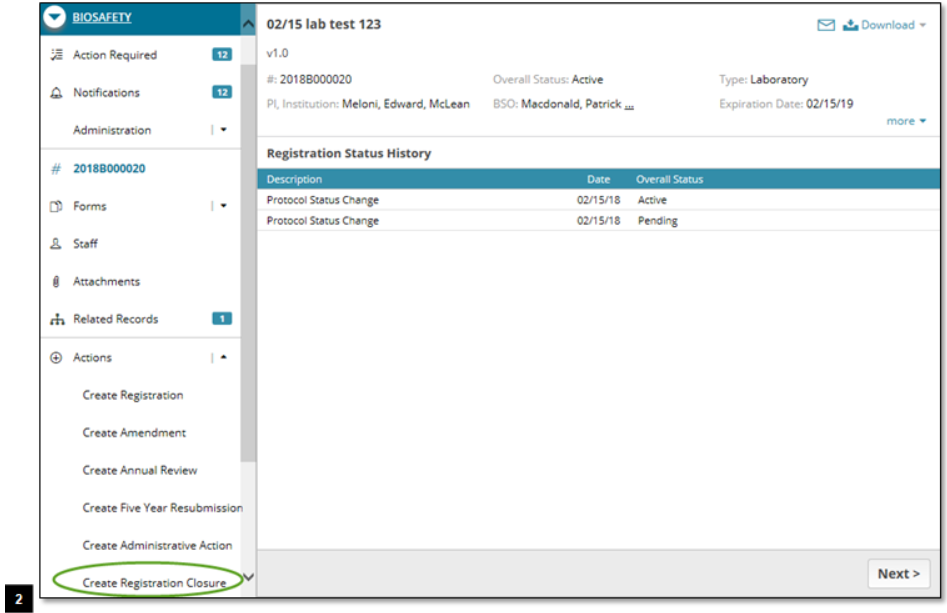
From the Actions menu in the left panel, select ‘Create Registration Closure.'
-
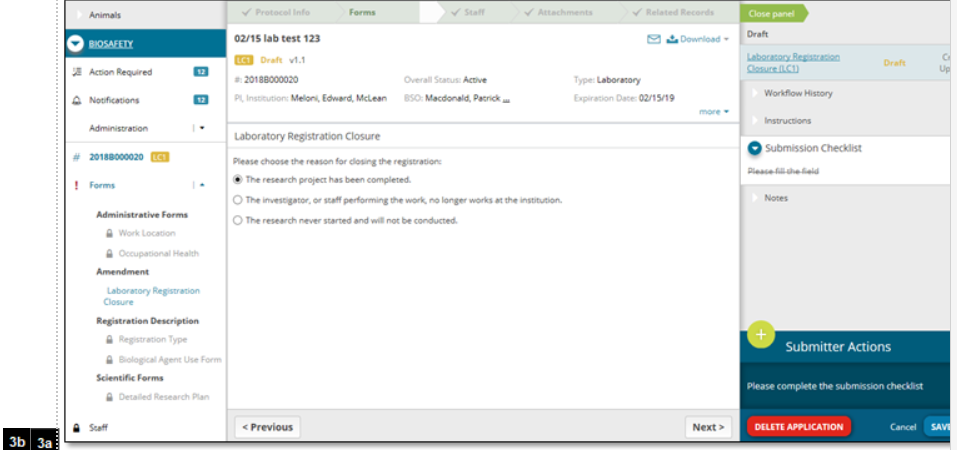
On the registration closure form, select the reason for closure (3a), then click Save in the bottom right (3b)
-
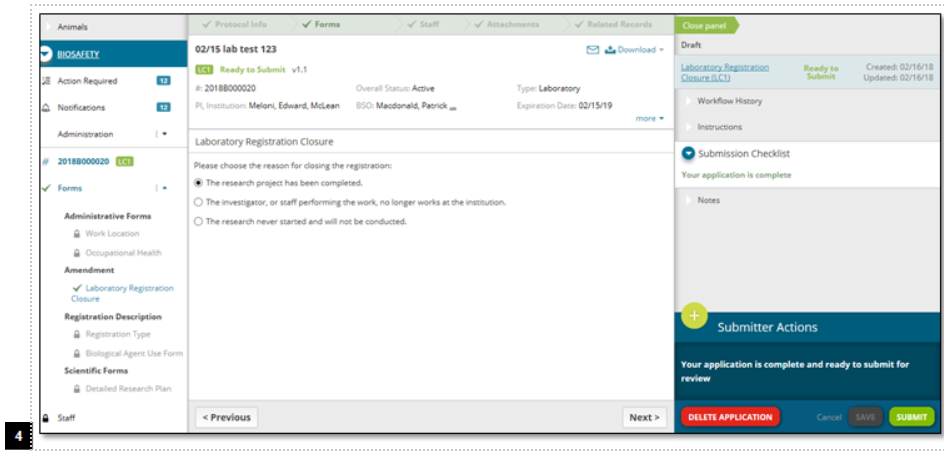
After completing the steps above, click Submit
-
Upon submission, registration becomes inactive.
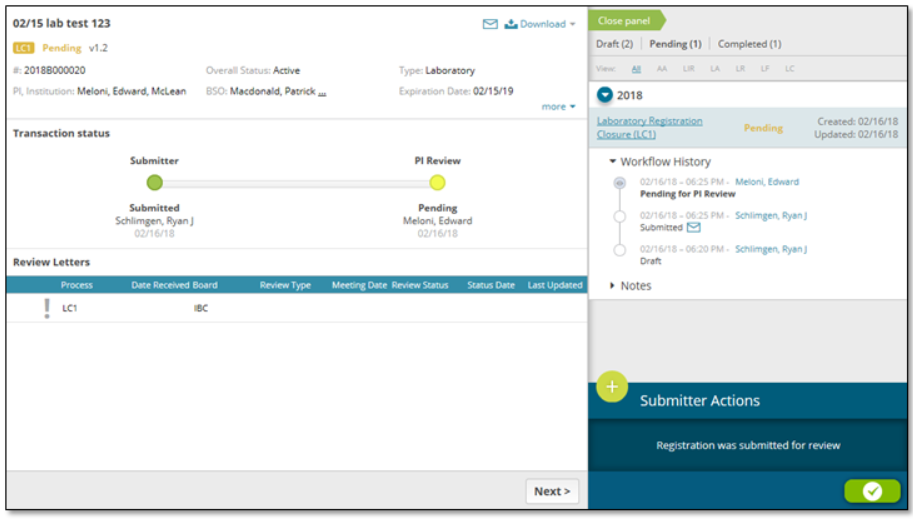
Note: If a PI submits the closure, it is approved automatically upon submission. If a non-PI submits the closure, it will need to be approved by a PI (see right column in image below).