Posted on
Updated on
September 23, 2026
Introduction
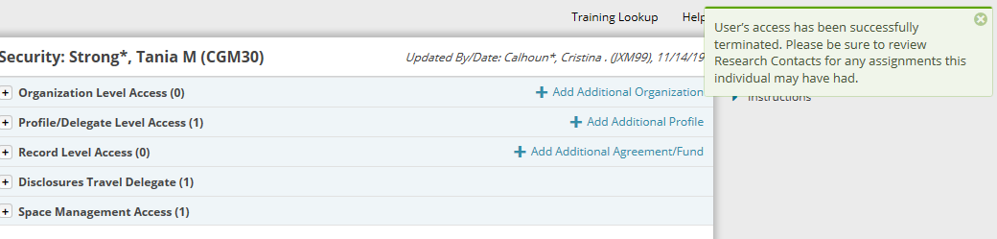
When a team member leaves, it is important to remove security, especially if they are staying with MGB but moving to another department/group. Access must be manually removed or the user's security terminated. This can only be completed by a keygiver.
Steps
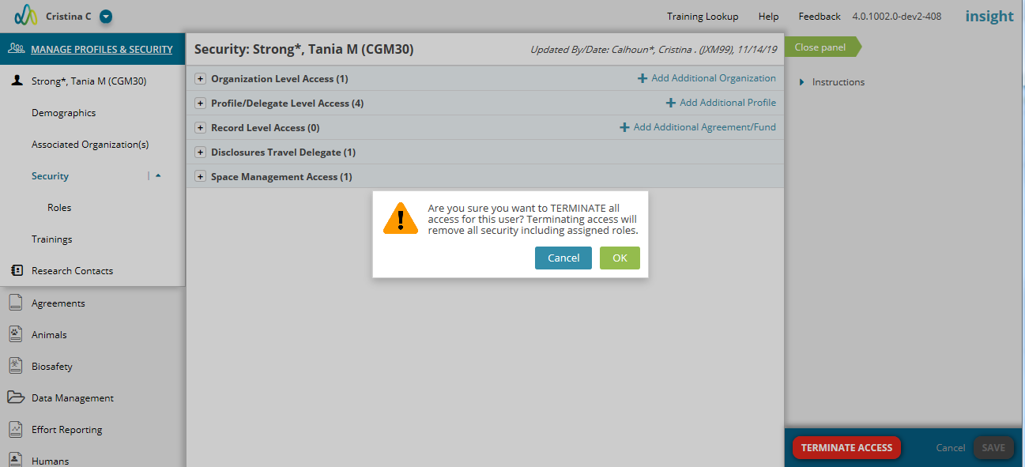
- Go to the user's Security page and click the “Terminate Access” button.
- Click “OK” to confirm the access termination for the user and the removal of all Roles.
|
Note: Research Contact roles are NOT automatically removed for terminated team members. Any assigned contacts should be reassigned to another team member. |