Posted on
Updated on
September 18, 2026
Introduction
Submit a Serious Adverse Event (SAE) report or a study pause using these steps.
STEPS
-
From an open clinical registration, click ‘Create SAE and other Reports’ under the Actions menu (this function only exists for clinical registrations)
-
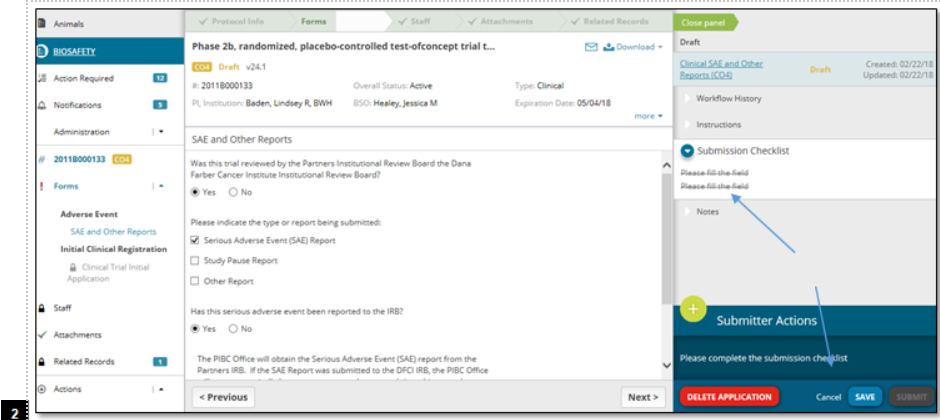
Complete the required fields about the trial, report, and adverse event, and click Save
-
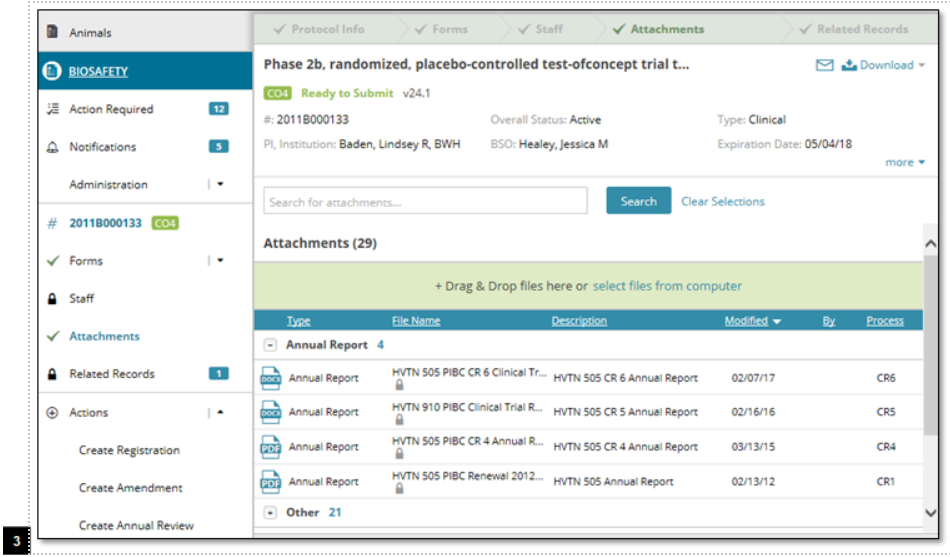
The attachments section unlocks when you complete the SAE, allowing users to upload documents, but you cannot edit existing documents.
-
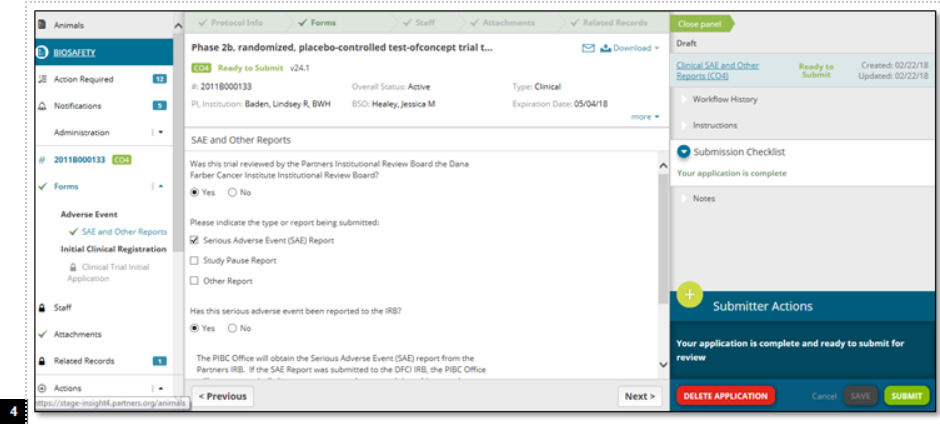
After completing the steps above, click Submit.
Illustrative Screenshots
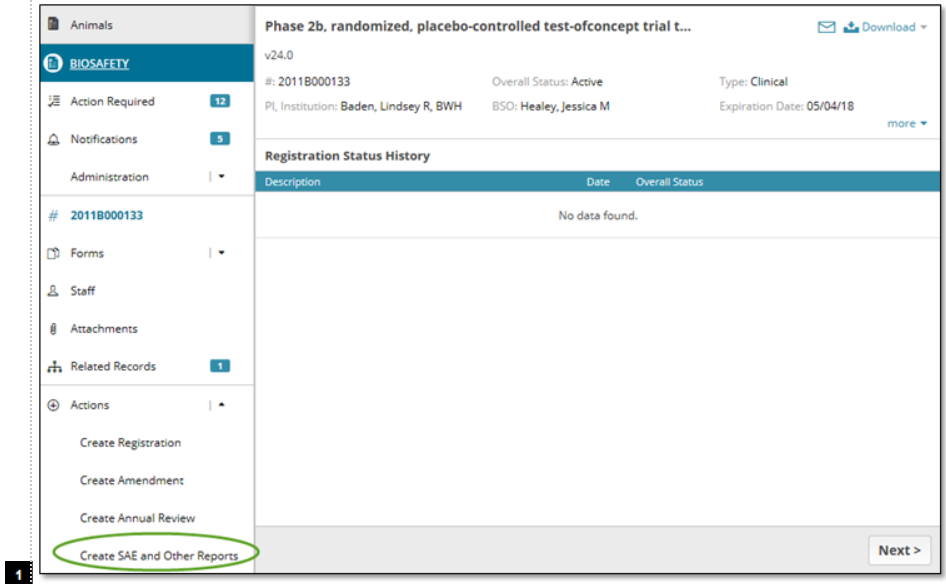
Note: This option only exists for clinical studies