Posted on
Updated on
September 14, 2026
Inventors may review and not agree with the apportionments and allocations and will return the action to the MGB PI. If the inventors cannot unanimously agree on the apportionments, the MGB PI may need to escalate and review with the department and center chiefs in accordance with the IP Policy, before further documentation in Insight.
Once a consensus has been reached on the allocations, the MGB PI should:
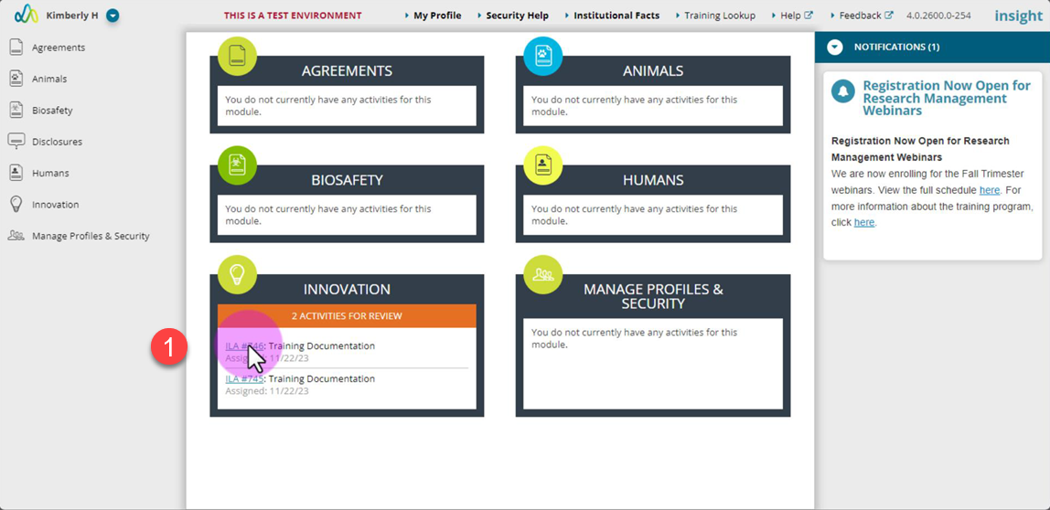
- Open the action via the link in your email or the action on the Insight landing page.
- Make any agreed upon updates to the apportionments and allocations.
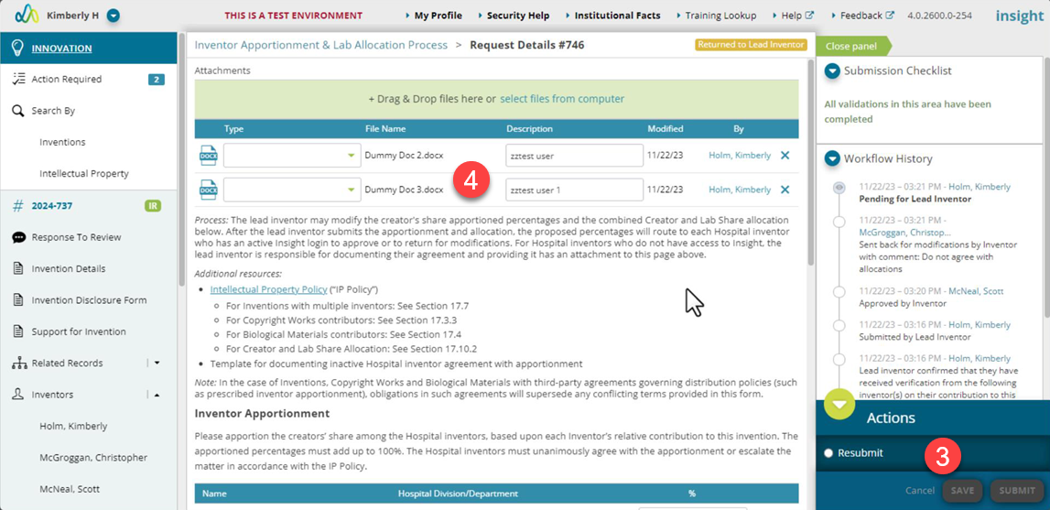
- Click the “Save” button.
- Attach any relevant documents regarding the escalation review.
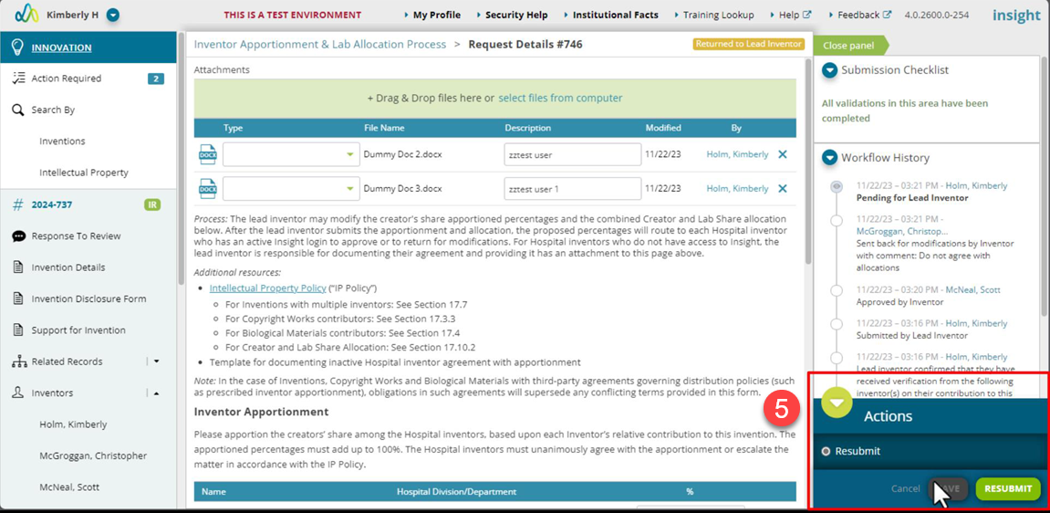
- Select “Resubmit” and click the “Resubmit” button.
- The action is now assigned to all active MGB employees listed to review and accept the MGB inventor apportionment and the Creator/Lab Share allocation.
| Note: If you have questions on the inventors listed or any other data, please reach out to your BD & Licensing Manager. |