
September 25, 2026
Learn about InfoBot and discover how it can help you find instant resolutions to common Digital and HR related issues.

Table of Contents
Overview
InfoBot is MGB’s intelligent AI assistant designed to simplify IT and HR support. Think of it as your always-available workplace companion, helping you quickly find information and complete tasks across your organization.
How can InfoBot help me?
Available 24/7, InfoBot can help you with a variety of self-service tools and support options:
- Instant Answers: Get quick responses to questions about Digital, HR, and Workday by searching knowledge articles, FAQs, and files—or by being directed to the right source.
- Request Assistance: Easily access IT and HR forms for common requests.
- Ticket Concierge: Check ticket status, add comments, close tickets, and receive real-time updates and password expiration reminders.
- People Lookup: Find colleagues, managers, direct reports, and contact details in seconds.
- Live Support: Chat with a live agent or create a new ticket when you need extra help.
Chat with InfoBot
"Where do I find it?"
You can interact with InfoBot through:
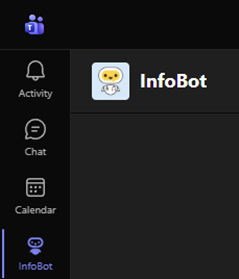
- Microsoft Teams: Located on the left navigation bar alongside Chat/Teams.
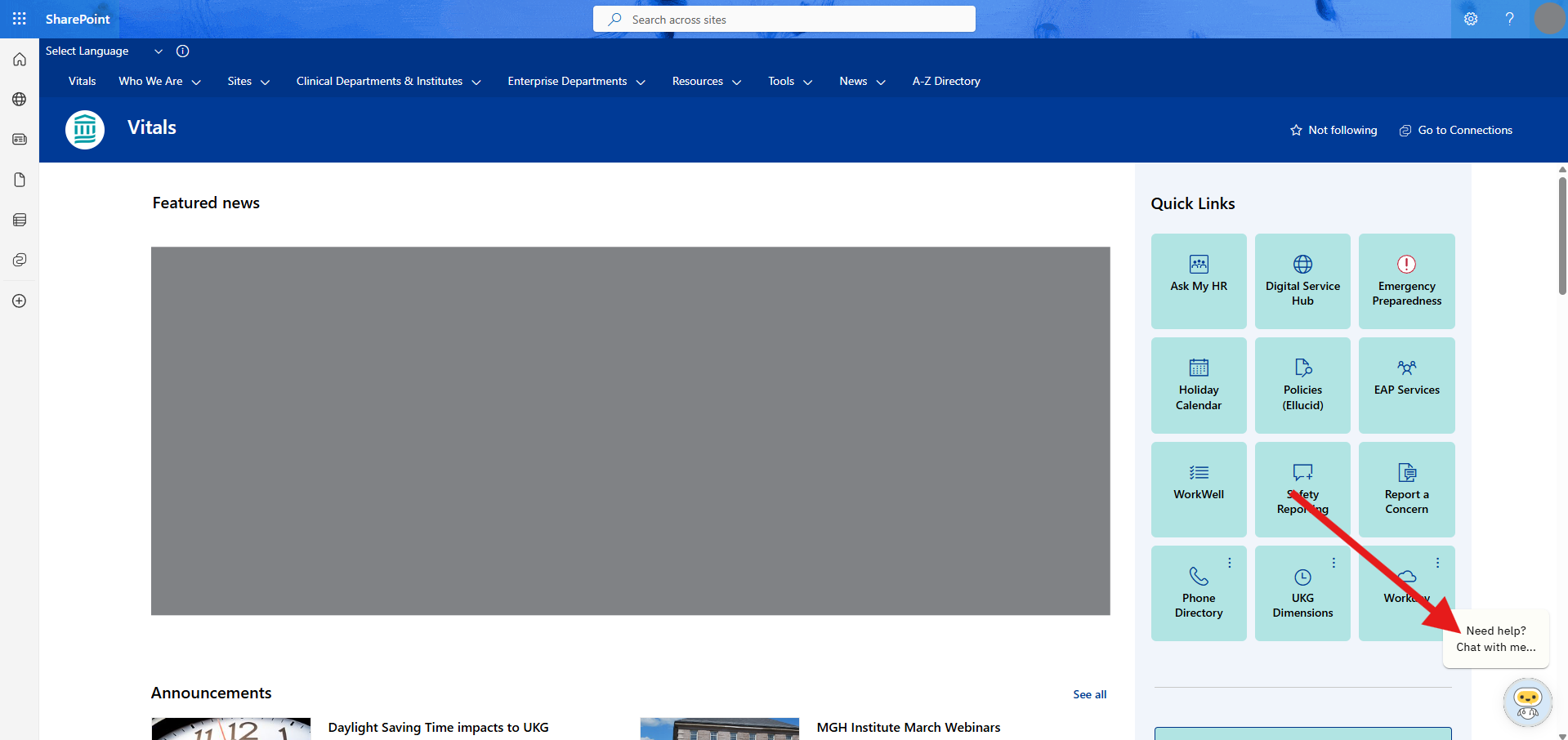
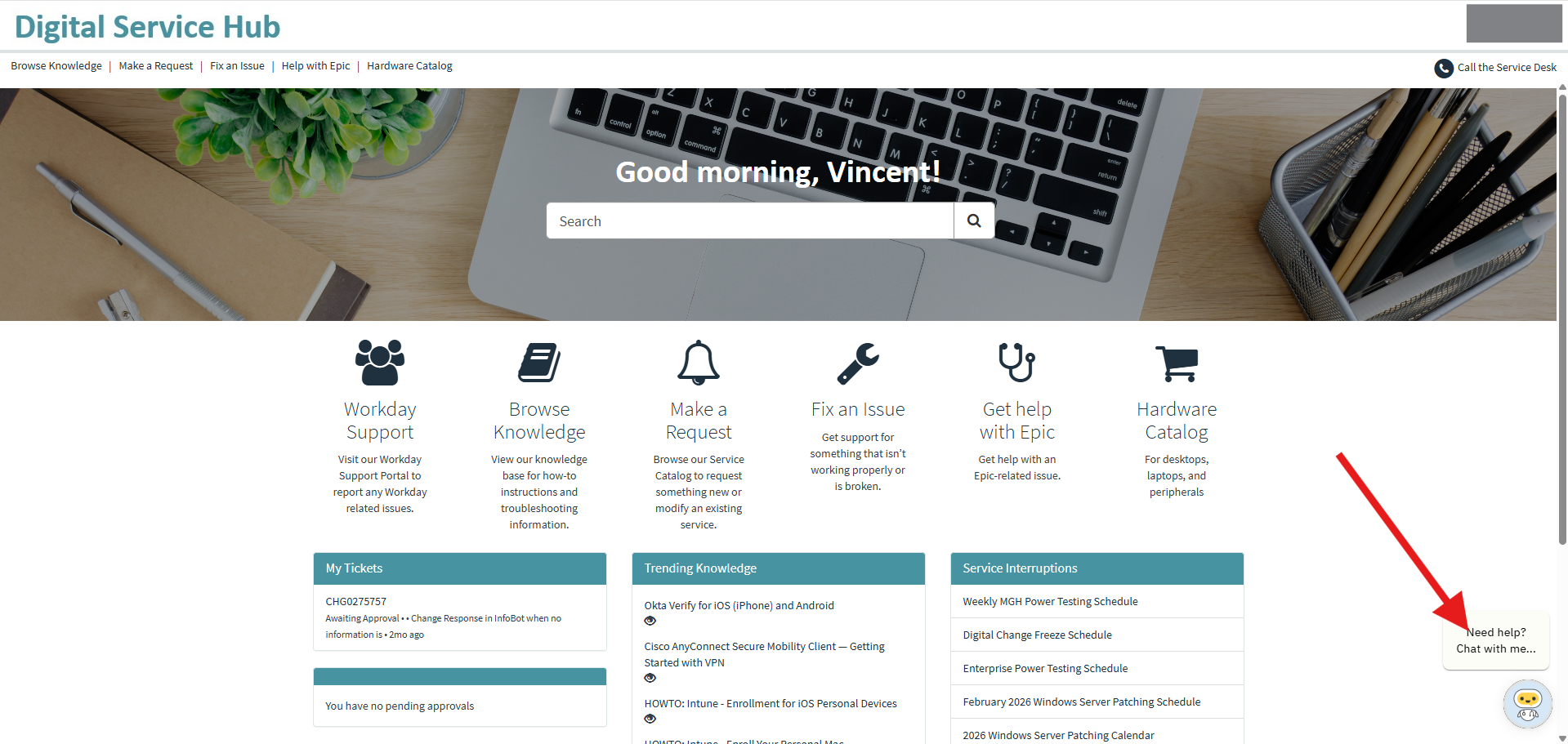
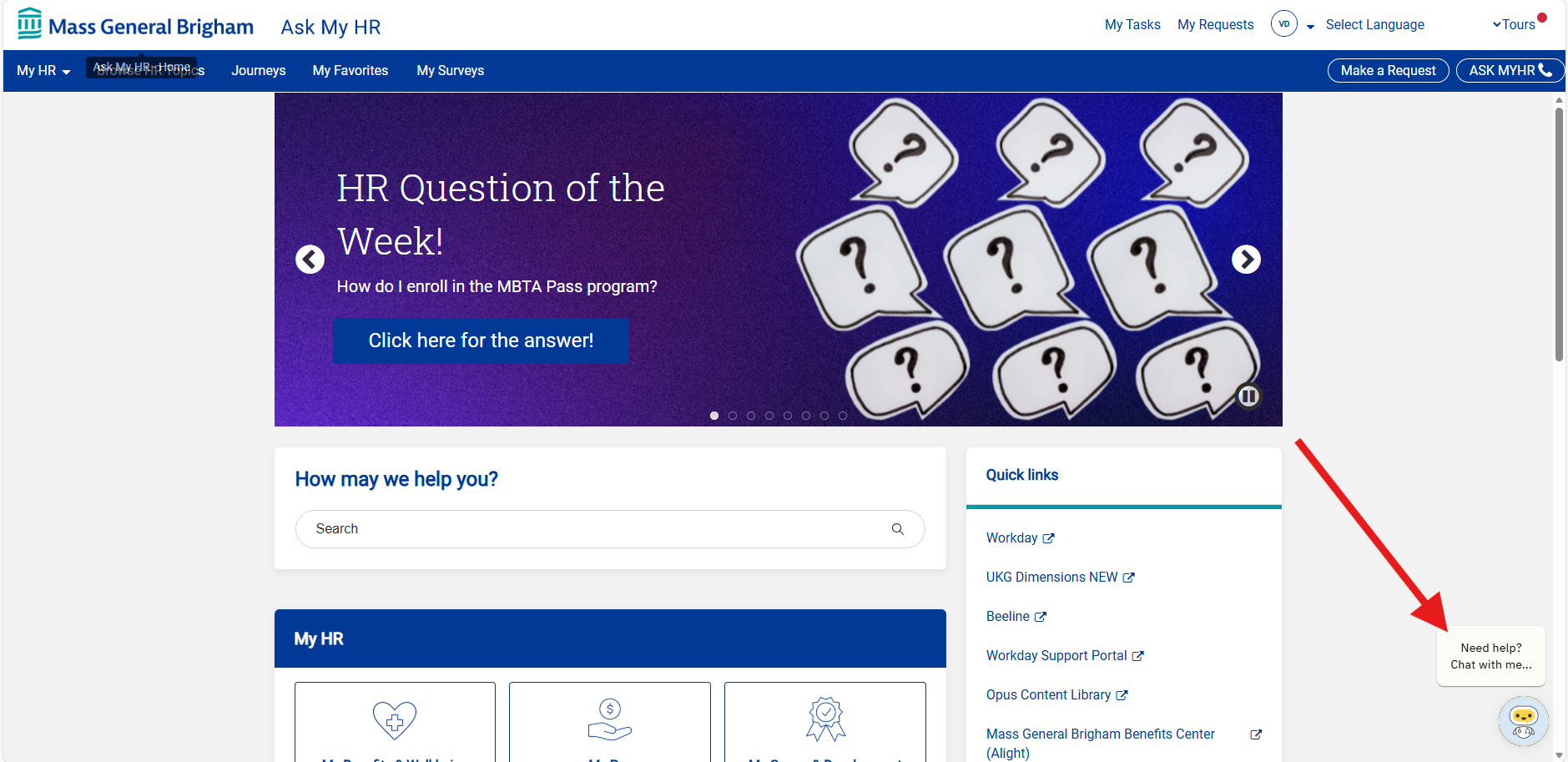
- Vitals and Digital Service Hub and AskMyHR: Look for InfoBot in the bottom-right corner of the page.
- Standalone Web Assistant: https://partnershealthcare.moveworks.com/assistant
InfoBot Best Practices
Be clear and specific when entering questions into InfoBot.
- “I need to encrypt my phone” – Vague
- “I need to encrypt my personal IPhone.” - Specific
If you’re having trouble changing topics with InfoBot, simply ask: “Can we start the conversation over?”
- This will reset the previous context and allow InfoBot to provide answers that are more focused on your new topic.
References – To view references, click the annotation within the response or the “i” icon at the bottom of the response. This will show the source of the information and allow you to open the original content if needed.



Ticket Status - To check the status of your tickets, you can simply ask:
Examples:
- “What tickets do I have open?”
- “What is the status of ticket number INC123456?”
- “What is the status of RITM123456 or TASK123456?”
Important Notes:
InfoBot can only retrieve tickets that you have opened.
If you try to look up a ticket opened by someone else, InfoBot will respond that no matching ticket was found.
InfoBot is not yet able to display HR-related tickets, but this capability is planned for a future enhancement.
Additional help through InfoBot
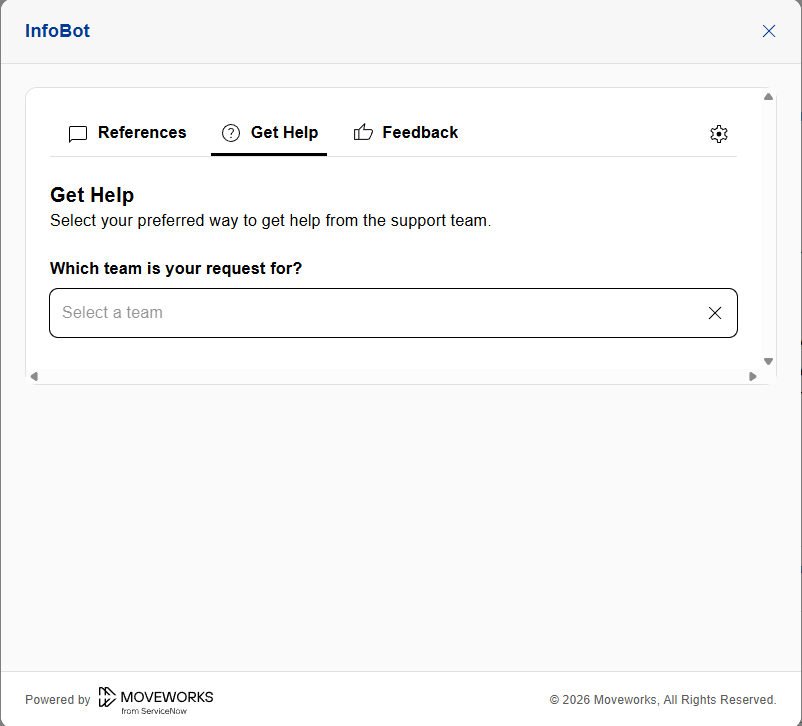
If the response does not resolve your issue, select the Get Help option located at the bottom of the prompt for additional support:
-
For IT related issues/questions: Choose “Digital” under “Which team is your request for?”
-
You will be then given additional options (File a ticket / Request live agent)
-
-
For Epic related issues/questions: Choose “Digital” under “Which team is your request for?”
-
Select (Help with Epic) to get directed to the Help with Epic: Incident Ticket Submission form
-
-
For HR related issues/questions: Choose Human Resources under “Which team is your request for?”
-
Link to visit the AskMyHR Portal will be provided
-
To File a ticket – Click on “Make A Request” and select the topic your issue/question relates too.
-
-
Feedback
Help InfoBot help you!
Click on the thumbs up or thumbs down buttons at the bottom of an InfoBot prompt to share any feedback. All comments and suggestions are appreciated!

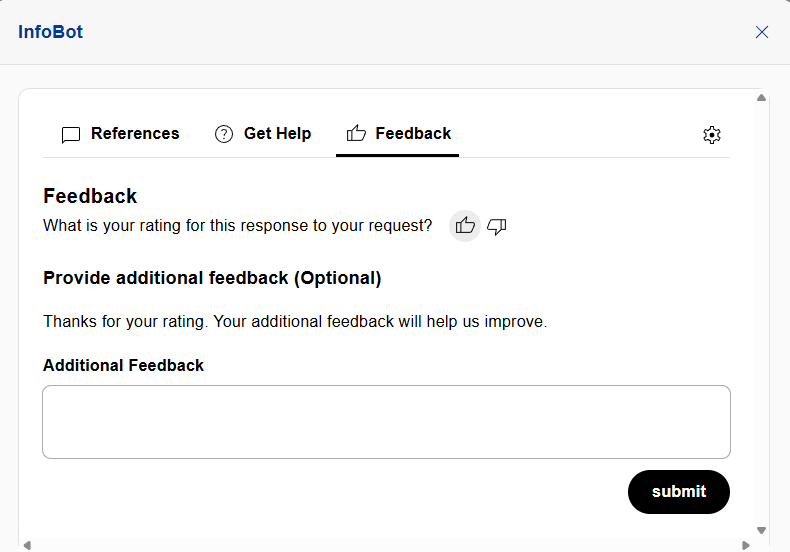
InfoBot is continuously learning, and we are actively working to make the user experience as best as possible, so all feedback is helpful!